Your entire draft night, from setup to the final pick or sale.
DRAFTNIGHT turns your fantasy football draft into a live, interactive event. Set up your league, bring the draft board to the big screen, and let every team make picks—or nominate and bid in an auction—from their phone.
The DRAFTNIGHT draft-night timeline
Step 01
Set up your league.
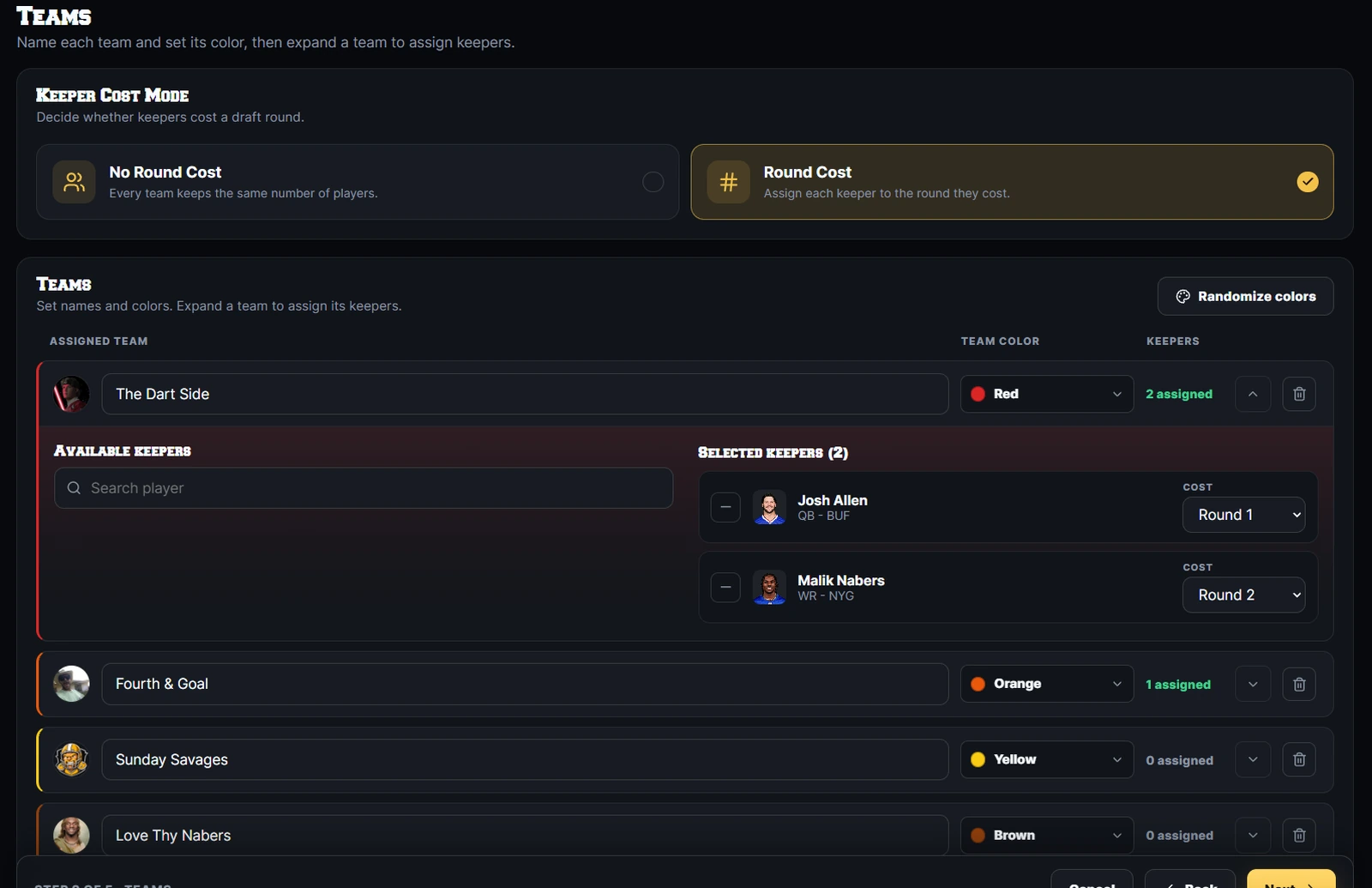
The commissioner creates the league from the DRAFTNIGHT dashboard and configures the draft experience. Add teams, customize league settings, upload logos, then choose a pick order or set the budget and bid clock for an auction.
- Add and customize every team
- Configure roster and draft settings
- Choose snake, linear, custom, or auction
- Add keepers and auction salaries when applicable
Step 02
Create the room and bring everyone together.
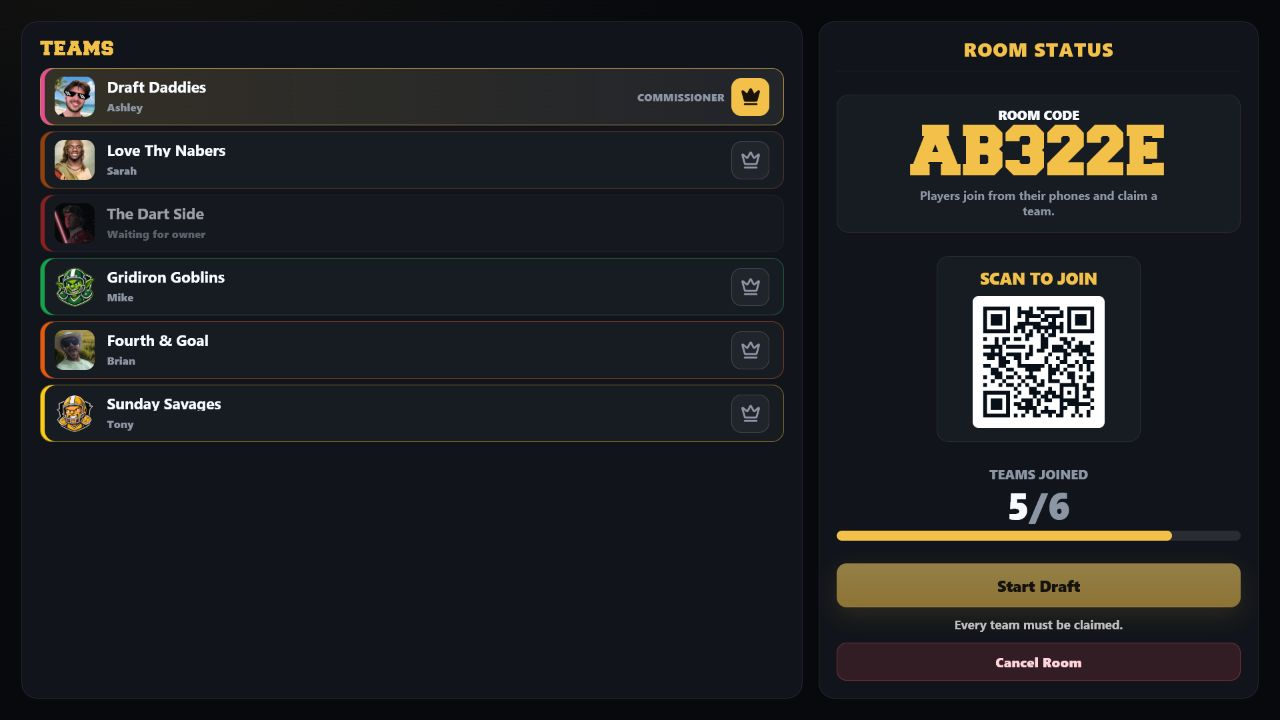
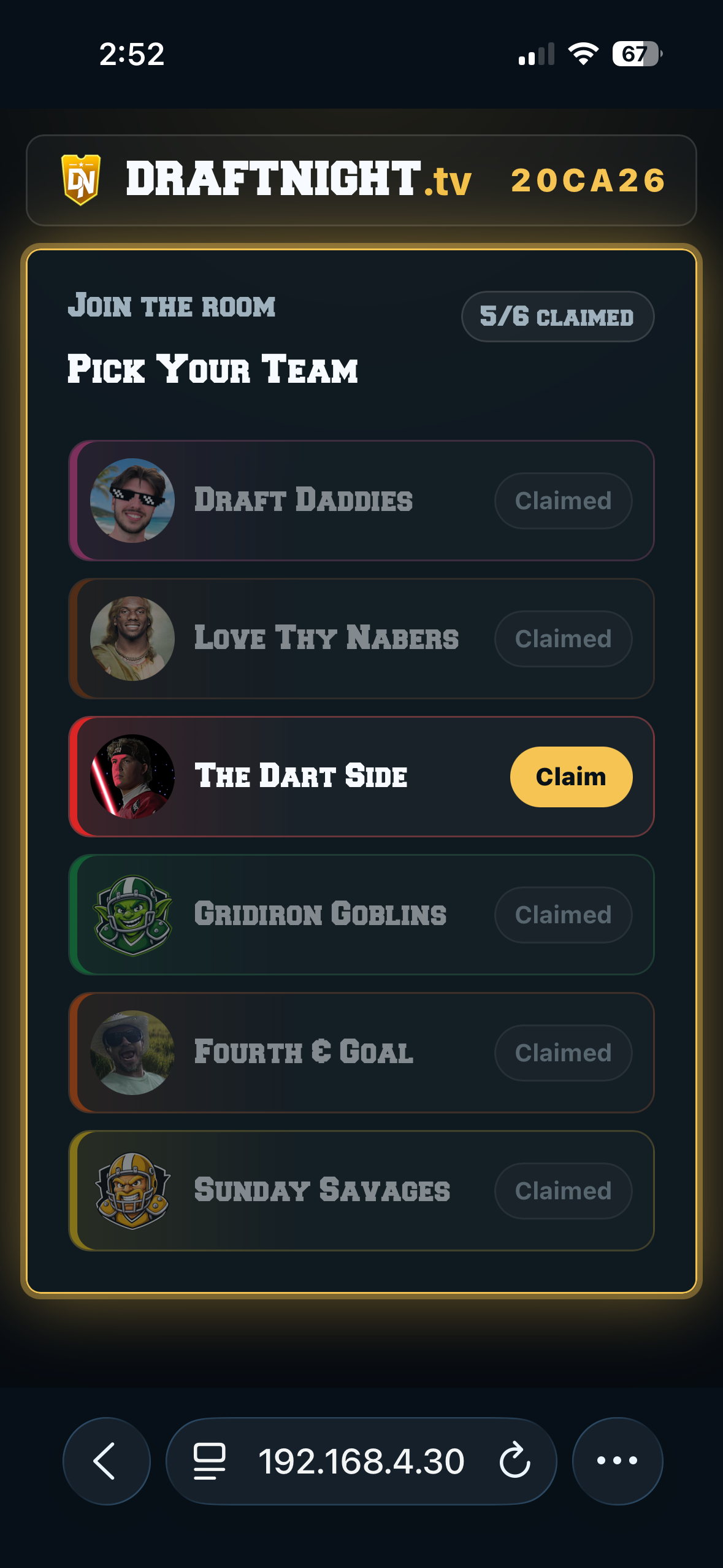
When it is time to draft, the commissioner launches a room from the TV display. For the best experience, use a computer connected to a television or large display. Players join from their phones at draftnight.tv/join or by scanning the room's QR code — the draft begins once every team has joined and a commissioner is assigned.
Remote players welcomeStream the DRAFTNIGHT display through Discord, Zoom, or another screen-sharing platform while every player keeps drafting from their own phone.
Step 03
Sit back and enjoy the pre-draft intro.
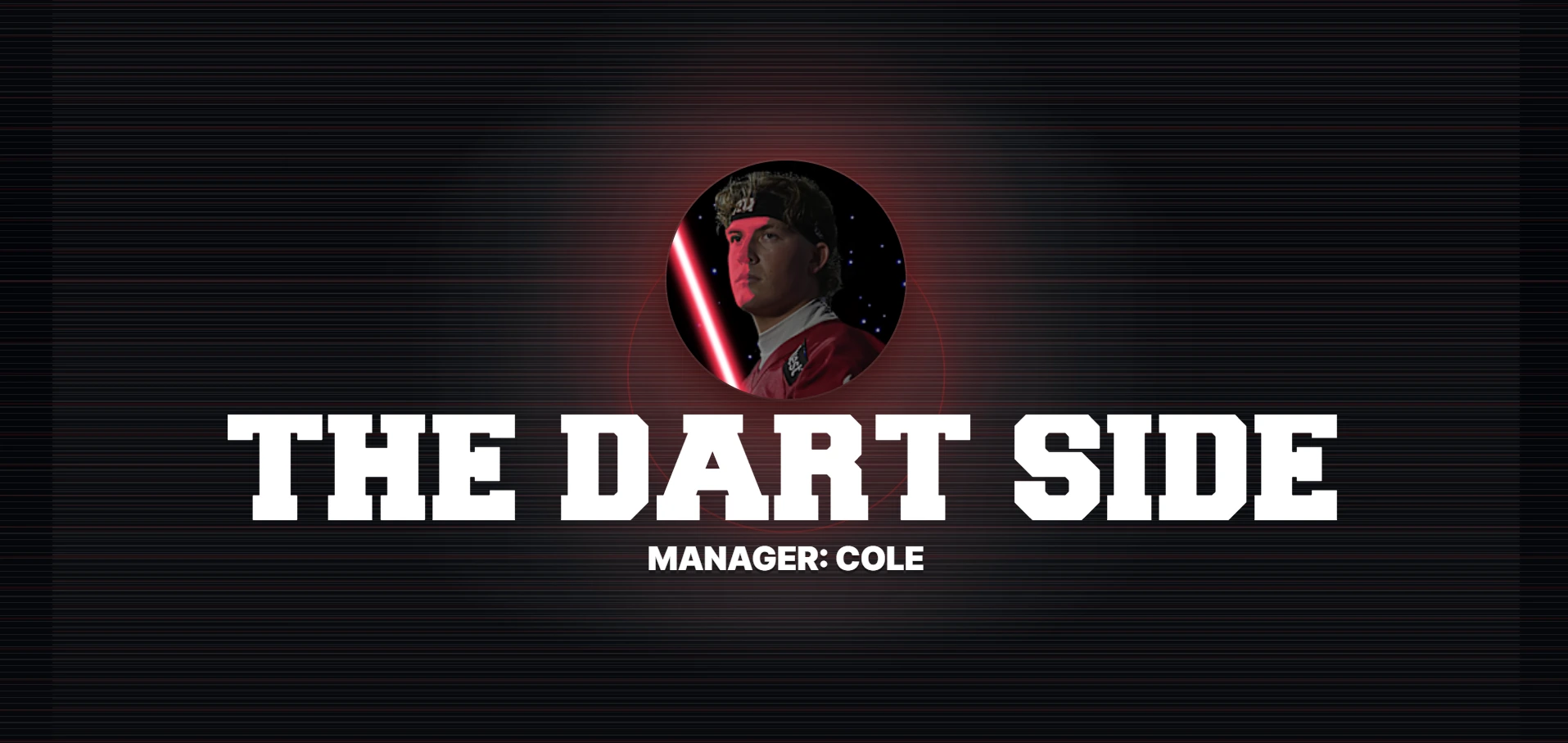
Once everyone is ready, DRAFTNIGHT sets the stage with a broadcast-inspired pre-draft presentation. Build anticipation, introduce the league, and turn the moments before the first pick into part of the event.
Step 04
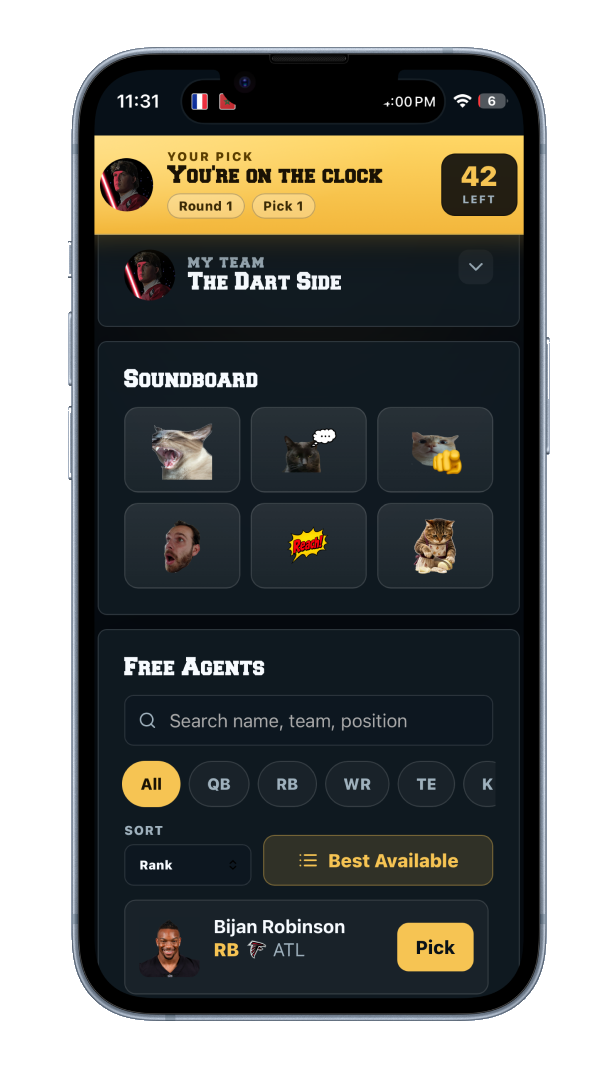
Make every pick or bid from your phone.
The draft board comes alive on the big screen while every team uses a phone to make picks—or nominate players and place proxy bids in an auction. Each pick, bid, and sale updates the shared display so the entire league can follow the action and react together.
- Make picks, nominations, and bids from your phone
- Follow every selection or auction sale on the live board
- View top available players and team needs
- Keep the room focused on the shared display
Step 05
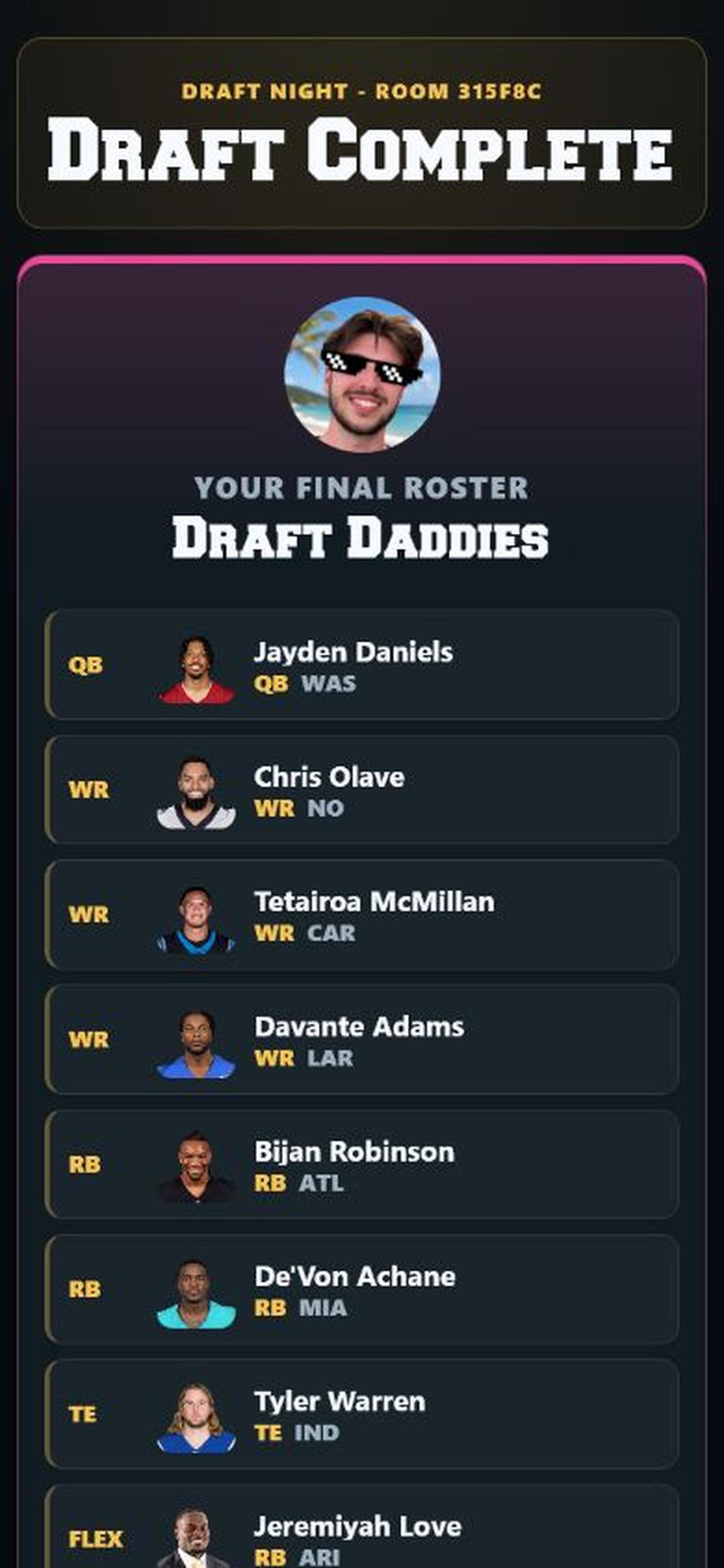
Relive the draft and share the results.
When the draft is complete, each user receives a summary of their team on their phone. Results—including auction purchase prices—can be shared online, and the commissioner can revisit the completed draft from the DRAFTNIGHT dashboard.
One last stepDRAFTNIGHT does not submit rosters to your fantasy provider. Enter the completed rosters into your fantasy football platform to finalize your league.
Ready to put your draft night on the big screen?
Create your league, invite your friends, and make the draft feel like the main event.